

Formatting a hard drive or solid-state drive (SSD) is an essential task that every Windows 11 user may need to perform at some point. Whether you are setting ...
 Geeksdigit Team
When you start your Windows computer, some applications automatically launch as soon as you sign in. These programs might include antivirus software, cloud ...
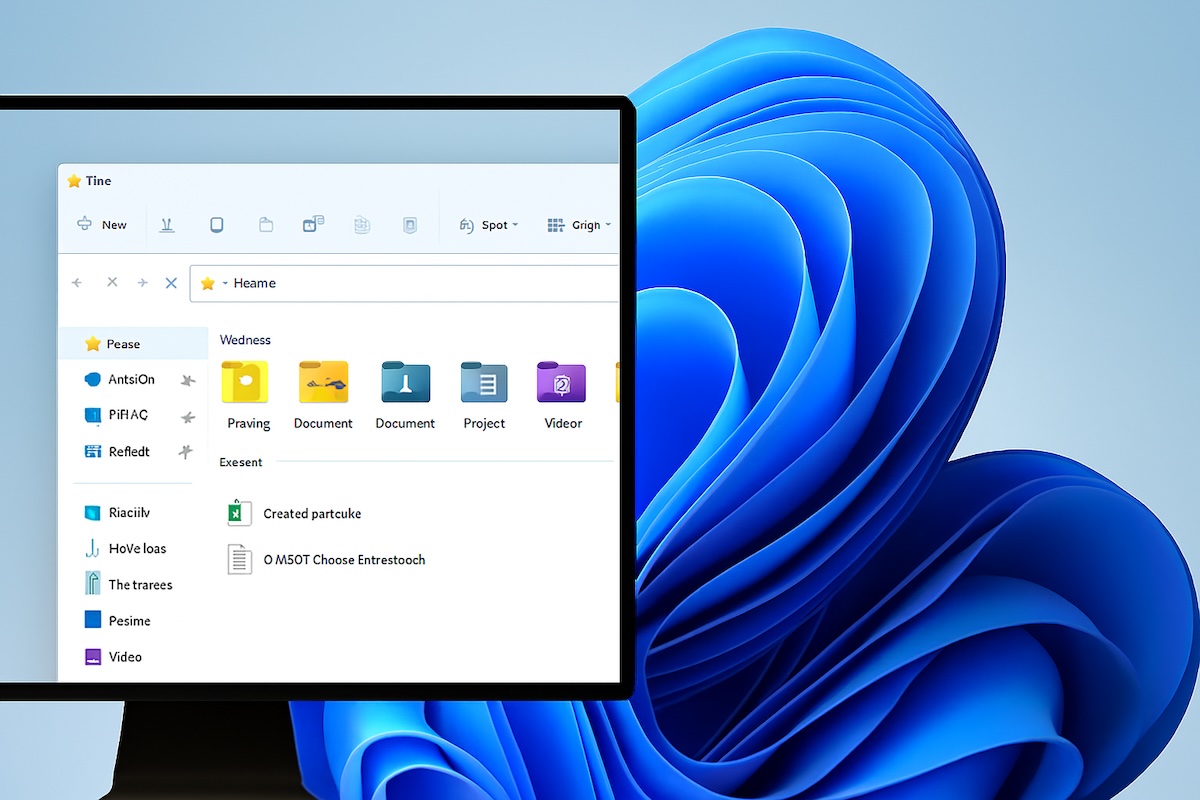
File Explorer in Windows 11 is one of the most essential tools you’ll use on your computer. It acts as a hub where you can browse files, folders, drives, and ...
The internet has become an integral part of our daily lives. Whether it’s for work, study, or entertainment, a web browser is the gateway to the online world. ...
Losing a device, whether a laptop, tablet, or desktop computer, can be a stressful experience. Important files, personal information, and sensitive data may ...
Windows 11 comes with stricter hardware requirements compared to previous versions of Windows. One of the most important requirements is Secure Boot, a ...
Windows 11 offers a range of options to help you manage how your computer uses power. These options allow you to conserve energy, extend battery life on ...
Windows 11 has introduced a more modern, streamlined, and user-friendly interface compared to its predecessor. One of the most important areas of ...
Activating Windows is one of the most important steps after installing or upgrading your operating system. Without activation, your PC may run into ...
Windows comes with a built-in security solution that protects your device from viruses, malware, ransomware, and online threats. Known as Windows Security ...
- « Previous Page
- 1
- …
- 12
- 13
- 14
- 15
- 16
- …
- 21
- Next Page »